
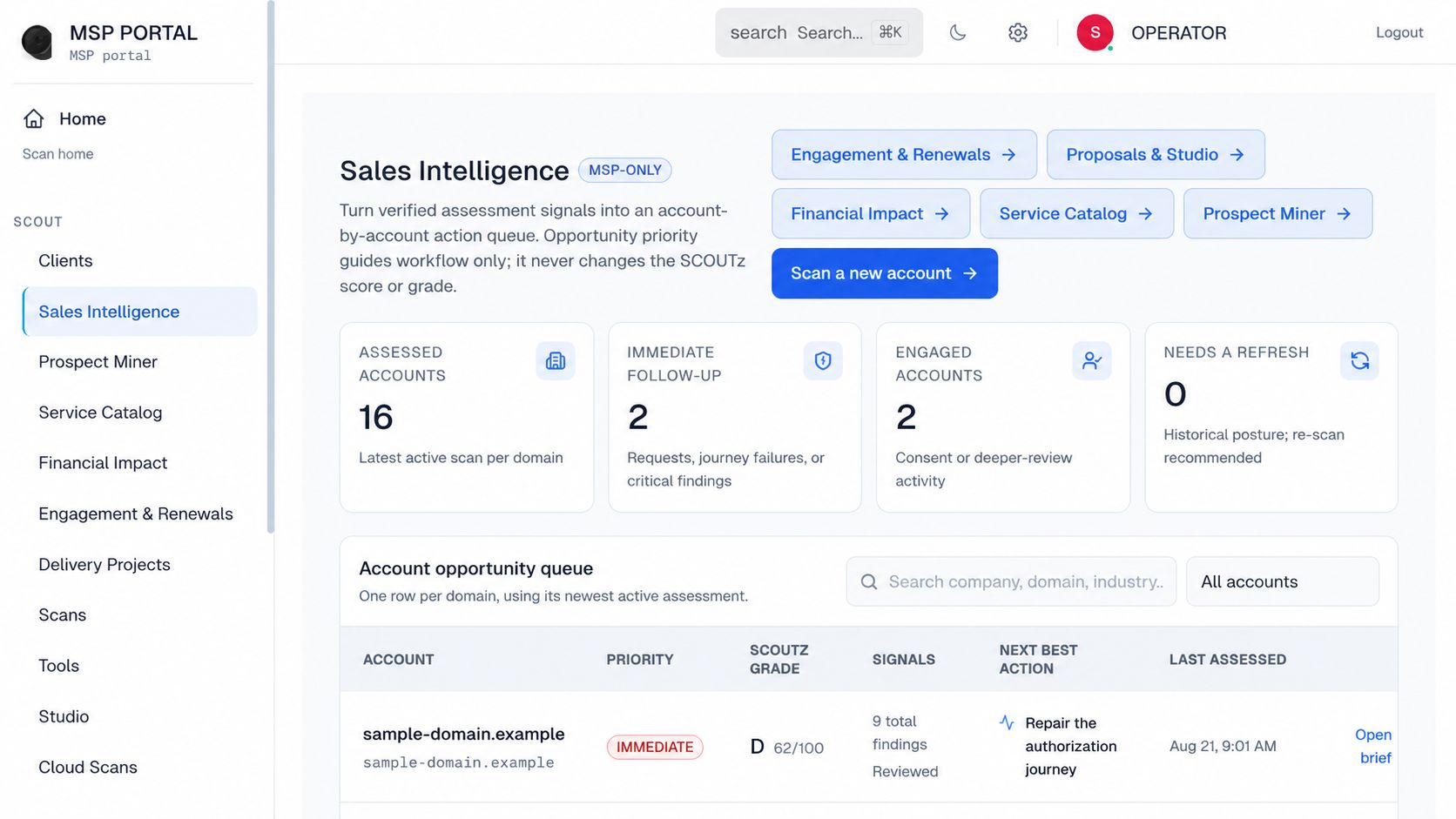
Real Product / Anonymized: official SCOUTz operator sales-intelligence capture, not a continuous detection console or customer incident This is an interface illustration, not evidence of the technical condition discussed in this article.
A successful service-principal login does not, by itself, prove an attack. It records application authentication; an MSP must validate the application's identity, credentials, permissions, purpose, and related activity before deciding whether that event represents misuse.
A successful service-principal login does not, by itself, prove an attack. It records application authentication; an MSP must validate the application's identity, credentials, permissions, purpose, and related activity before deciding whether that event represents misuse.
TL;DR
- A service principal login success alert records an event; its severity does not by itself establish compromise.
- Kaseya's 2026 report lists service-principal login success as 20% of its critical-alert distribution.
- That figure is not the share of all logins, compromised applications, or affected businesses.
- SCOUTz supports application-evidence preparation, not continuous incident detection or autonomous containment.
- The SCOUTz application-governance workflow connects supported application identity, ownership, permission, credential, and activity evidence. An application name without those relationships is a poor basis for a security verdict.
Does a service-principal login success alert mean an attack?
No. The event and the security interpretation answer different questions. A legitimate application can authenticate successfully, and an attacker controlling an application identity can also produce successful authentication.
| Evidence | What it answers | What remains unknown |
|---|---|---|
| Successful application sign-in | Was authentication recorded as successful? | Whether the activity was authorized business use |
| Critical alert classification | How did the monitoring system prioritize the event? | Whether compromise has been confirmed |
| Application identity | Which app relationship is involved? | Whether its credentials remain controlled |
| Permission evidence | What access is granted? | Whether the app exercised it improperly |
| Owner confirmation | What use the owner recognizes | Whether every recorded action matches that explanation |
| Correlated resource activity | What supported actions followed | Events outside the reviewed sources and period |
Best for triage: preserve the alert and add context. Best for a confirmed incident statement: evidence of unauthorized control or activity sufficient to support that statement.
A reassuring app name is not a clearance. A severe label is not a conviction. Both are inputs to the investigation.
Why this matters
Non-human identities support backups, integrations, scripts, and automated services. A review that only asks about employee passwords misses part of the access model.
But recognizing that gap does not justify declaring every application login hostile. A response based only on a category label can disrupt the very services the business depends on.
The 2026 MSP task is to distinguish routine application access, poorly governed access, suspicious behavior, and supported incident conclusions. Those categories deserve different actions and different client wording.
What Kaseya's 2026 critical-alert chart says
Kaseya's SaaS Security Report analyzed 27,603,846,428 events collected throughout 2025 across 50,723 SMB environments. It reports 103,096,120 critical alerts and 175,868,600 medium alerts.
Its chart of common critical alerts lists:
| Critical-alert category | Reported share |
|---|---|
| File opened outside approved location | 28% |
| Service-principal login success | 20% |
| File modified outside approved location | 19% |
| File download outside approved location | 17% |
| User login outside approved location | 6% |
These displayed categories do not exhaust the critical-alert distribution. More importantly, they are alert categories, not a count of confirmed breaches.
The 20% figure does not mean one in five application logins was malicious. It does not mean one in five SMBs had an application identity compromised. The chart's denominator is the report's critical-alert distribution, not all application authentications or businesses.
This distinction makes the report more useful, not less. It identifies application identities as a substantial review workload without inventing a confirmed incident rate.
Read the event label before repeating its meaning
Security labels are operational definitions. Their meaning depends on the product, rule, configuration, and available context.
Kaseya's 2026 report, for example, defines a successful unauthorized login by access from an unapproved location and notes that the actor can be an internal employee or an external threat actor. That is not equivalent to a forensic determination that every event involved an attacker.
Apply the same caution to a service-principal alert. Preserve the source label in the technical record, then explain what it establishes in ordinary language. If the monitor supplied no rule detail, that gap belongs in the review.
Do not upgrade a monitoring classification into a confirmed-compromise statement simply because critical appears beside it. Severity guides attention; evidence supports the conclusion.
Human and application authentication need different questions
A human sign-in review asks about the user, authentication requirements, device, session, and permitted access. An application review asks about the app identity, credential or trust mechanism, granted permissions, resource scope, and expected workload.
Microsoft Graph distinguishes delegated access on behalf of a signed-in user from app-only access using an application's identity. A user-MFA percentage does not describe every app-only authentication relationship.
| Review focus | Best for | Key limitation |
|---|---|---|
| Human authentication review | Employee and administrator access scenarios | Does not settle all workload-identity questions |
| Application-governance review | Purpose, owner, permissions and credential context | Does not establish every action taken |
| Event investigation | A specific alert and related activity | Limited by available sources and retention |
| Continuous monitoring | Ongoing detection within configured coverage | Alert severity still requires interpretation |
These are complementary jobs. Do not describe an assessment product as a live detection service or a monitoring rule as a completed governance review.
A practical service-principal alert triage record
1. Preserve the original observation
Keep the event label, timestamp, source, tenant, application identifier, and available authentication context. Preserve the original record before summarizing it for a client.
Record what was available rather than pretending every source exposes the same fields. A field omitted by a source is not proof that the underlying condition does not exist.
The first outcome should be reproducible: another authorized reviewer can locate the event and understand why it entered the queue. That is different from deciding what caused it.
2. Resolve the application identity
Match the event to the actual application relationship. Display names alone can be insufficient for distinguishing entries.
Identify:
- Application and tenant relationship.
- Publisher context where supported.
- Recorded owner or maintainer.
- Business service the app is expected to support.
- Unresolved identity or naming ambiguity.
- If the identity remains uncertain, say so. Reviewing permissions for the wrong application produces confident but irrelevant conclusions.
3. Validate the expected workload
Ask the responsible owner whether the authentication fits a documented process. Record the answer as an attestation, not as independent proof that every action was legitimate.
An expected schedule or supplier explanation can help prioritize the event. It should not erase contradictory technical evidence. Conversely, an absent owner record creates a governance task rather than automatic proof of compromise.
Useful questions include:
- What operation should run?
- Which resources should it reach?
- Who maintains its credentials?
- Which changes were recently authorized?
- What evidence would contradict the expected behavior?
4. Examine permissions and credential context
Review the actual authorization model and available credential or trust information. Separate broad permissions from observed misuse.
An application can be legitimate and overprivileged. It can also have an appropriate scope but a compromised credential. Those are different problems requiring different evidence.
Record the source date for the configuration. A current permission view does not necessarily describe the app's permissions at the time of an older event. If historic state is unavailable, preserve that limit instead of reconstructing it from memory.
5. Correlate relevant activity
Where authorized sources support it, compare authentication with resource activity and configuration changes. Investigate the sequence rather than treating each isolated event as a verdict.
Keep these boundaries visible:
- Which time window was examined.
- Which activity types the source records.
- Whether relevant logs were available.
- Whether the evidence supports access, modification, or data movement.
- What remains unobserved.
- No matching activity found can reflect incomplete coverage. It does not automatically establish that the app did nothing.
6. Route the conclusion to the right owner
Record whether the event is explained within the reviewed scope, remains unresolved, exposes a governance issue, or has evidence requiring incident response.
If there is evidence of active compromise, follow the client's authorized incident procedure. Do not wait for a routine quarterly review or continue a sales demonstration with sensitive incident details.
This article does not prescribe a universal containment sequence. Changes to applications, credentials, sessions, and grants require the relevant authorization, dependency knowledge, and operational plan.
Explain the result without frightening the client
Illustrative finding, not a customer event: The monitoring source recorded successful authentication by an application identity and assigned a critical label. The owner and expected workload have not yet been validated. The current evidence does not establish unauthorized file access or compromise.
The next step is specific: validate identity and purpose, then examine the relevant authentication, permission, credential, and resource evidence.
Do not substitute an unsupported statement such as an AI agent broke into the tenant. A service principal is an application identity; its existence does not establish that it is an AI agent, that an agent acted autonomously, or that private prompts were inspected.
SCOUTz prospect intelligence keeps supported observations attached to their limits. The MSP's interpretation should preserve the same certainty when moving from the operator edition to the owner-facing report.
Where SCOUTz helps and where a response tool is needed
SCOUTz supports customer-approved, read-only Microsoft 365 evidence review, including application relationships where supported sources expose them. It helps prepare questions about ownership, permissions, credentials, and available activity.
SCOUTz is suited to MSP application-evidence preparation, not to replacing a security monitoring or incident-response service. A dated assessment checkpoint does not provide continuous detection, autonomous containment, or a complete view of application behavior.
SCOUTz does not read private files, messages, documents, conversations, or prompts. It does not claim visibility into every embedded agent or delegation chain inside other software.
Use monitoring and response capabilities for the jobs they actually perform. Preserve the handoff: the assessment identifies a supported condition or unresolved question; the authorized operational team investigates and implements any approved action.
What proof closes the review?
The closure record should answer the original question. If the task was to identify an owner, an owner assignment and confirmation can close that governance question. It does not settle a separate compromise hypothesis.
If access was changed, retain the approved action and a new observation of the result. If an incident was investigated, retain the conclusion and its supporting evidence according to the client's process.
A completed status with no explanation loses the reasoning the next reviewer needs. A useful 2026 record preserves what changed, why the conclusion is justified, and what is still outside scope.
Sources and scope
Kaseya, 2026 SaaS Security Report, pages 5, 16, 18–20, and 23. SaaS Alerts observational dataset from 2025; alert categories are not confirmed incident counts. Microsoft Learn, Overview of Microsoft Graph permissions, reviewed October 14, 2026. Used for delegated versus app-only access distinctions.
FAQ
Is every successful service-principal login malicious?
No. Legitimate applications authenticate successfully. Validate identity, purpose, credentials, permissions, and related activity before concluding misuse.
What does Kaseya's 20% service-principal figure mean?
It is the reported share for service-principal login success in the report's critical-alert distribution. It is not the proportion of all logins that were attacks.
Does a critical alert confirm a breach?
No. Severity prioritizes attention. A breach conclusion requires supporting evidence and appropriate investigation.
Does user MFA protect every application identity?
A human-user MFA metric does not describe every app-only access relationship. Review application credentials, permissions, scope, and activity separately.
Does a service principal prove an AI agent is active?
No. Application identity alone does not establish AI functionality, autonomous behavior, or prompt activity.
Can SCOUTz replace continuous monitoring for application identities?
No. SCOUTz supports dated, authorized evidence review and preparation. Continuous detection and incident response require the appropriate operational capabilities.
One last thing
An alert should start a question, not write the conclusion. Keeping that distinction intact protects both the business workflow and the credibility of the MSP's report.
To evaluate SCOUTz prospect intelligence with an application-review question, Join Open Beta.
Related guides
Why finding an AI application is not proof of AI risk
Why stronger claims require stronger evidence
Explore the relevant SCOUTz workflow · Review a sample report · Join Open Beta