
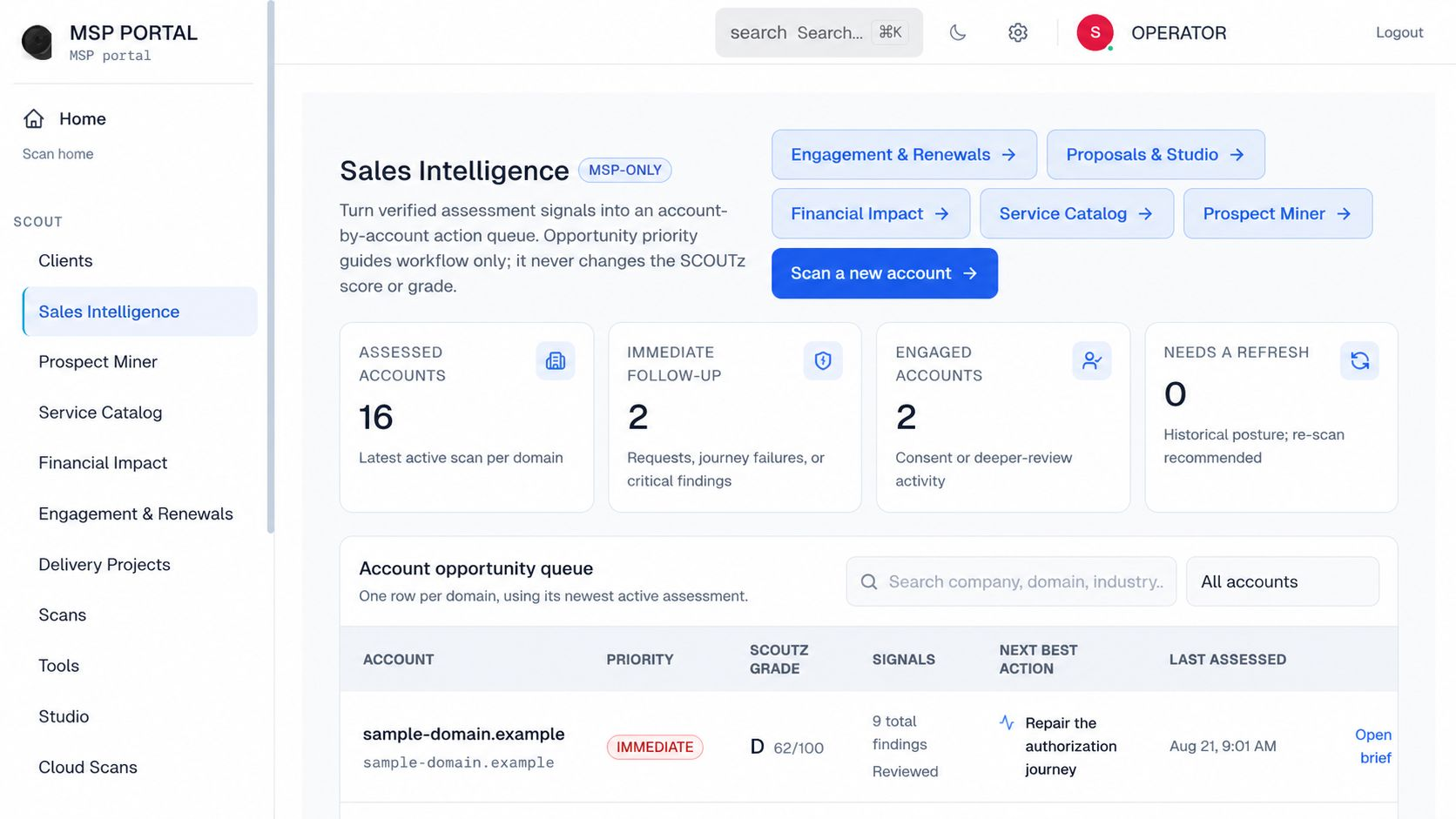
Real Product / Anonymized: official SCOUTz operator sales-intelligence capture; screenshot values are not current customer results This is an interface illustration, not evidence of the technical condition discussed in this article.
OAuth permissions do not prove a Microsoft 365 application was compromised. They establish an authorization relationship that needs interpretation; a compromise conclusion requires evidence of unauthorized control or activity, not simply a broad permission or an unfamiliar app name.
OAuth permissions do not prove a Microsoft 365 application was compromised. They establish an authorization relationship that needs interpretation; a compromise conclusion requires evidence of unauthorized control or activity, not simply a broad permission or an unfamiliar app name.
TL;DR
- OAuth app governance separates granted access from observed activity and confirmed misuse.
- Kaseya's 2026 SaaS report identifies application connections as a review priority, not proof every integration is malicious.
- Delegated access and application access have different identity boundaries; record the actual permission type.
- SCOUTz supports source-labeled application review without inspecting private messages, files, or prompts.
- The SCOUTz application-governance workflow keeps installed, consented, assigned, and active states separate. That separation is the starting point for an honest app review.
Do OAuth permissions prove an app was compromised?
No. Permission evidence answers what an application has been authorized to do within the relevant access model. It does not, on its own, prove that the application performed the action, that an attacker controlled it, or that business information left the environment.
| Observation | Supported conclusion | Unsupported leap |
|---|---|---|
| Application object exists | The application appears in the observed source | Employees actively use it |
| Permission grant exists | A defined authorization relationship exists | The granted access was abused |
| User or group assignment exists | An assignment relationship is recorded | Every assigned user is active |
| Sign-in evidence exists | The source recorded a particular authentication event | Every subsequent action was authorized |
| Missing activity evidence | Activity was not established from this source | The application is unused |
| Correlated unauthorized activity | A specific incident hypothesis has supporting evidence | Every connected application is compromised |
Best for governance: permissions, identity, ownership, purpose, and supported activity considered together. Best for incident conclusions: an authorized investigation with evidence sufficient for the specific claim.
Why this matters
Application permissions make compelling sales slides. A broad permission sounds alarming, a forgotten owner sounds negligent, and an unfamiliar product sounds suspicious. Those are reasons to investigate, not substitutes for evidence.
A legitimate backup or security application can need substantial access to perform its job. A familiar application can still be configured poorly or become part of an incident. The app's name does not settle either question.
For a 2026 MSP review, the practical objective is to identify which relationships deserve validation, who can explain them, and what evidence is missing. That supports a decision without inventing a breach.
What Kaseya's 2026 SaaS report contributes
Kaseya analyzed 27,603,846,428 security events collected in 2025 across 50,723 SMB environments. Its OAuth section describes connected applications as an expanding area of SaaS exposure.
The report lists One Outlook Web at 16%, Office Home at 11%, and Microsoft Account Controls V2 at 10% among the top OAuth-integrated Microsoft 365 apps in its dataset. These labels and percentages describe the report's observed app distribution. They are not a ranking of malicious applications.
Do not turn the list into a threat blacklist or an adoption benchmark for a specific client. The section does not establish that any named application was compromised, nor does the displayed table give enough detail to generalize every percentage across all Microsoft 365 tenants.
The useful 2026 takeaway is a review question: Which applications have access, why is that access needed, and who is responsible for validating it? The dataset makes the question relevant; customer-authorized evidence supplies the answer.
Delegated permissions and application permissions are different
Microsoft Graph supports delegated access, where an application acts on behalf of a signed-in user, and app-only access, where the application acts using its own identity. The same resource name can appear in different permission models with different implications.
| Permission model | Identity context | What to inspect | Main interpretive limitation |
|---|---|---|---|
| Delegated permission | Application acts for a signed-in user | Granted scope, user access, consent and activity | The permission name alone does not describe everything the user can reach |
| Application permission | Application acts without a signed-in user | App role, administrative consent, resource scope, credentials and activity | Broad authorization does not prove the app exercised it |
Microsoft's documentation explains that delegated privileges depend on both the granted permission and the user's own permissions. Application permissions support access without a signed-in user and require particular care when evaluating scope.
Do not assume that every app-only grant reaches every resource. Read the actual permission, resource restrictions, and applicable configuration. A precise review preserves the relationship rather than replacing it with the generic label dangerous access.
Evidence, insight, and proof for an application review
Evidence: the observed app identity, publisher information, permission type, consent relationship, owner record, credentials, and available activity. Name which fields were readable and when they were collected.
Insight: a documented interpretation. For example, an app's permission scope appears broader than its recorded purpose, so the owner should validate the requirement. That is a review conclusion, not proof of misuse.
Proof: the records needed to establish a resolved question. A supported removal or reduction requires a new observation; an incident conclusion requires relevant investigative evidence. Do not use the same word for both.
SCOUTz prospect intelligence supports the preparation layer: organizing supported observations and next questions. SCOUTz does not inspect private content to prove that an app read a particular message, document, or AI prompt.
A practical OAuth app governance review
1. Establish identity before judging the display name
Collect the identifiers and source relationships needed to distinguish the application from similarly named entries. Record publisher context where available, but do not treat a familiar publisher label as a complete safety assessment.
Keep these questions together:
- Which application and tenant relationship was observed?
- Which source supplied the record?
- What date and period does it describe?
- Is the publisher context independently understandable?
- Are there unread fields that limit interpretation?
- This avoids a predictable mistake: reporting on a recognizable name without confirming which application object the evidence actually describes.
2. Document business purpose and ownership
Ask the client who depends on the app and why. A missing owner record is a governance issue; it does not prove no employee or supplier uses the service.
Document the stated purpose as an attestation, separate from technical observation. If the owner says an app supports payroll, that explains a claimed use case. It does not establish which permissions payroll genuinely requires.
Useful outputs include:
Business owner. Technical maintainer or supplier. Documented purpose. Known dependency. Validation question. A review becomes actionable when someone can answer the question. A long inventory of ownerless entries is a work queue, not a finished governance program.
3. Compare granted scope with the validated requirement
Record the permission model and relevant resource boundary. Compare what is granted with what the documented workflow requires rather than with a generic rule that every powerful application is malicious.
When the difference is unresolved, mark it unresolved. An app can be legitimate and overprivileged; it can also require access that initially looks surprising. Both cases deserve validation before a change.
The 2026 decision should be explicit: retain with justification, investigate, propose a scoped reduction, or prepare an approved retirement. None is an automatic instruction to delete the application.
4. Examine credentials and supported activity
Where authorized sources expose credential and activity evidence, record their state and period. Distinguish no activity observed from no activity occurred.
Ask whether available logs cover the relevant authentication and resource activity. An identity event can establish a sign-in without establishing everything the app did afterward.
Preserve:
Observed authentication events. Relevant credential context. Changes in consent or ownership. Available resource activity. Gaps in retention or source coverage. If the evidence suggests active misuse, route the case to the authorized response team. Routine governance review is not a substitute for incident handling.
5. Record the decision and verify the result
A client-approved decision should state purpose, scope, dependency checks, responsible person, and how success will be verified. Access changes need a separate implementation plan with recovery considerations.
Retain the before and after observations. If a permission is removed but the relevant workload fails, the change did not succeed merely because an administrative action completed.
SCOUTz Microsoft 365 evidence review keeps source limits visible; the MSP owns the decision and any implementation through the operational tools. SCOUTz does not autonomously revoke permissions or repair tenant configuration.
Can a password change settle a suspicious-app question?
No. A password reset is not proof that every application authorization, credential, or session has been revoked. The access model determines which controls and evidence need review.
Kaseya's 2026 report notes that persistent OAuth access can outlast password changes. That is a warning to inspect the actual relationship, not a promise that every token behaves identically or remains valid indefinitely.
For suspected compromise, use the client's authorized incident-response procedure. Identify the app, grants, credentials, sessions, affected resources, and relevant activity before concluding the exposure is contained. This article does not prescribe a universal containment sequence.
How to write the owner-facing finding
Use a statement the customer can act on without changing its certainty.
Illustrative example, not a real customer result: A customer-authorized review observed an application permission grant and no documented business owner in the available records. The granted scope requires validation against the application's purpose. The review did not establish unauthorized file access or compromise.
Then name the next decision: assign an owner to confirm purpose, dependencies, and required access. If independent evidence supports incident concerns, escalate those concerns separately.
Avoid unsupported formulations:
- The app stole your data.
- Everyone assigned to the app uses it.
- No logs means no use.
- A permission grant proves an AI agent is reading employee prompts.
- Each sentence requires evidence the basic grant does not provide.
When the review cannot answer the question
Limited permission, unavailable logs, incomplete resource coverage, or uncertain application identity can block a conclusion. Name the missing evidence and explain which claim it prevents.
Do not hide the limit under a clean rating. A review with an explicit unknown is more useful than a falsely reassuring answer because it identifies the next authorized task.
SCOUTz is suited to MSP application-governance preparation where source, date, access scope, and uncertainty must remain attached. Its limitation is deliberate: it does not provide an imagined view of private content or every action taken inside another product.
Sources and scope
- Kaseya, 2026 SaaS Security Report, pages 5, 8–9, and 23. Observational SaaS Alerts dataset collected throughout 2025.
- Microsoft Learn, Overview of Microsoft Graph permissions, reviewed October 14, 2026. Used for delegated and app-only access distinctions.
FAQ
Does a broad OAuth permission prove an application is malicious?
No. A broad permission establishes an authorization scope that needs validation. Maliciousness requires additional evidence about the application or its activity.
What is the difference between delegated and application permissions?
Delegated permissions support access on behalf of a signed-in user. Application permissions support app-only access without a signed-in user, subject to the actual granted scope and configuration.
Does an app assignment prove someone used it?
No. Assignment is an identity relationship. Usage requires supported activity evidence for a stated period.
Can an MSP remove every app without an owner?
No. Missing ownership requires investigation, not automatic deletion. Validate dependencies and obtain authorization before changing access.
Does a password reset revoke every application's access?
No. Password state, application grants, credentials, and sessions are different controls. Review the actual access model and response procedure.
Can SCOUTz read what an AI app sent in a prompt?
No. SCOUTz does not inspect private prompts, message bodies, files, or documents. Supported application and permission evidence helps define what requires further investigation.
One last thing
A permission is a capability statement, not an incident report. Keeping those categories separate makes the next technical task clearer and the client conversation more credible.
To evaluate SCOUTz prospect intelligence with a real application-review question, Join Open Beta.
Related guides
Finding an AI app is not the same as finding AI risk
Why SCOUTz does not read your files
Explore the relevant SCOUTz workflow · Review a sample report · Join Open Beta