

Use customer-authorized, read-only observations with a named tenant, explicit scope, collection date, source, limitation, and verification question. Then organize each finding as Evidence, Insight, Proof, and Next action before proposing work.
Instead of rebuilding tenant notes before every prospect call, use a Microsoft 365 scan for sales meeting evidence workflow that turns customer-authorized, read-only observations into a dated briefing. Record the evidence, explain its business relevance, and identify the proof needed before you propose work.
TL;DR
- SCOUTz is best for MSPs preparing evidence-led sales conversations from dated domain reviews and Microsoft 365 reviews.
- A Microsoft 365 scan for sales meeting evidence requires customer authorization, clear scope, and dated findings.
- Public-domain evidence does not establish Microsoft 365 tenant configuration, compromise, or buying intent.
- Keep unread evidence unknown; validate each proposed action with the customer before including it in a proposal.
Why this matters
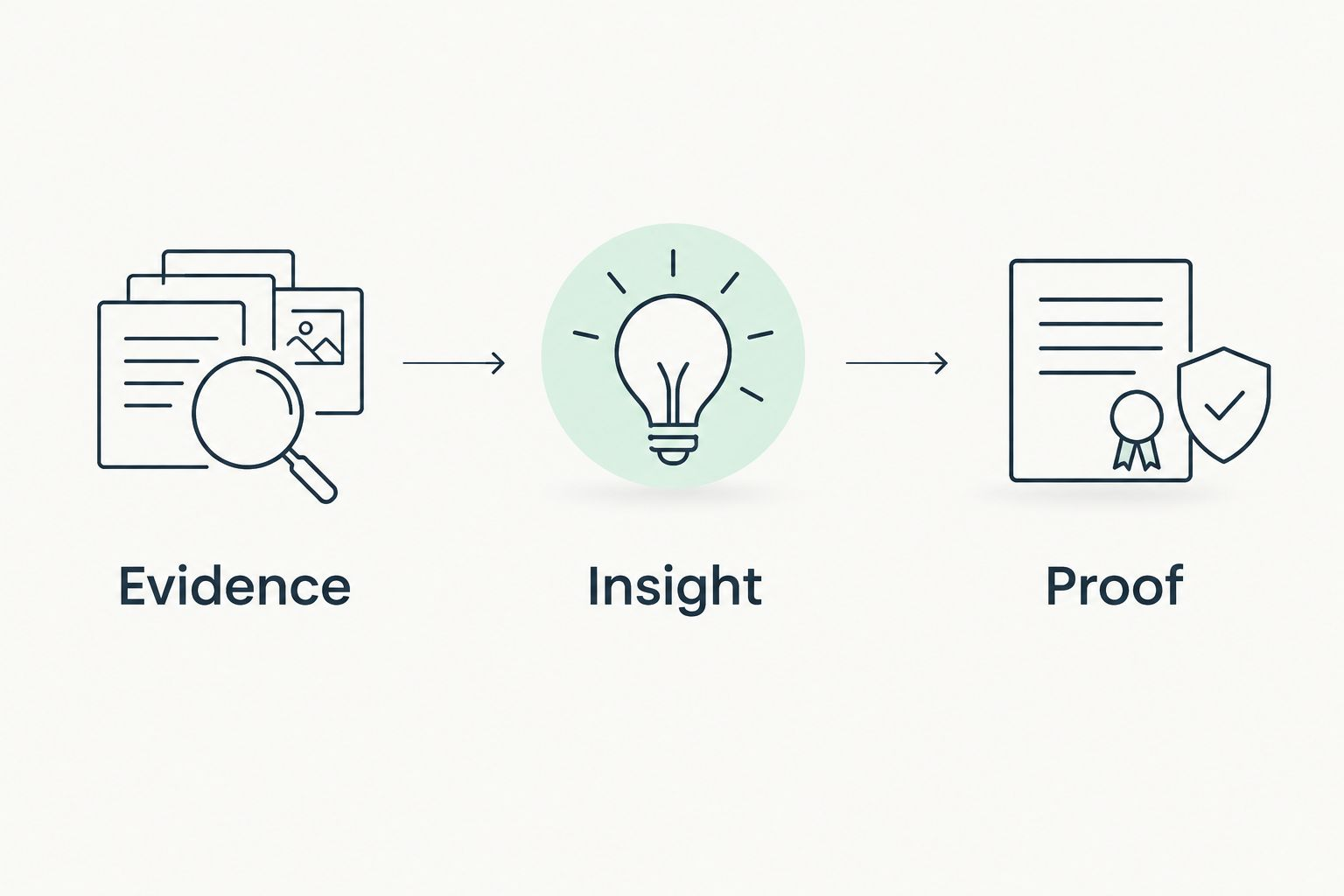
A finding gives you something to verify, not permission to declare a breach. A setting, account record, or application permission needs context before it becomes a reason to recommend work. Your sales briefing should preserve that distinction.
SCOUTz provides MSP prospect intelligence through dated domain and Microsoft 365 reviews. Use that evidence to prepare a specific conversation, not to replace your technical judgment or the customer's account of how their environment works.
For your 2026 meeting template, separate three things: what you observed, why it matters, and what would confirm the next action. That structure prevents a technical observation from silently becoming an unsupported sales claim.
The deliverable is a meeting brief. It is not a certification, a complete security assessment, or proof that a problem remains unresolved.
Before you start
- Customer authorization and agreed scope. Obtain permission for the Microsoft 365 review, identify the intended tenant, and confirm the read-only access required for the checks you intend to perform. Do not request write access merely to prepare a sales briefing.
- An evidence record and a meeting template. Prepare a place to record sources, collection dates, scope, limitations, and customer explanations. Keep technical detail separate from the owner-facing summary.
- A plan for unread evidence. A completed collection attempt does not mean every intended check returned usable evidence. Treat denied access, omitted scope, and unread results as unknown—not as a passing result.
- An agreed storage and sharing path. Tenant details can include account identities and other sensitive information; a prospect-facing brief should contain only what the conversation requires.
Review scope
1. Identify the tenant. Record the organization, intended Microsoft 365 tenant, and person authorizing the review. Verify that the authorization applies to the environment you are about to inspect. 2. Define the questions. Write the security questions the review should address, such as how authentication requirements are applied, how guest access is managed, and which application permissions require explanation. 3. Separate the sources. Label public DNS observations as Public-domain evidence and authorized tenant observations as Tenant evidence. Do not merge them into an undifferentiated security score. 4. Record the boundary. Add Review scope, Authorization, and Excluded checks to your working record. State which questions the review will not answer. 5. Choose the observation date. Reserve a Collected at field for the actual collection timestamp. Keep the meeting date separate so a later presentation does not make older evidence look current.
Expected result: you have an authorized review with a named tenant, explicit questions, and documented exclusions. Someone reading the record can tell what you intended to inspect without guessing.
For a 2026 review, use the actual collection date—not a generic year label—as the evidence timestamp. A document prepared this year can still contain an older observation; the document date does not refresh the underlying evidence.
Public evidence versus tenant evidence
Use both sources when they answer different questions. Neither source substitutes for the other.
| Evidence path | Best for | Useful contribution | Limit |
|---|---|---|---|
| Public-domain review | Preparing an external email-security conversation | Records observable DNS information, including published DMARC policy | Does not establish internal tenant settings or whether an account is compromised |
| Customer-authorized Microsoft 365 review | Preparing a tenant-specific sales meeting | Adds permitted observations about the tenant within the agreed scope | Depends on authorization, readable evidence, and customer context; does not establish buying intent |
The benefit of public evidence is its external perspective. Its drawback is the narrow view. Authorized tenant evidence adds internal context, but its usefulness still depends on what you can read and how accurately you interpret it.
Evidence record
Preserve the observation through your approved storage process. Keep enough detail to trace a briefing statement back to its source without exposing unnecessary account information.
Record three required fields for every observation: Source, Collected at, and Scope. Then describe the evidence state with a clear status such as observed, unread, or outside scope. Keep a check that returned no usable evidence separate from a check that returned an interpretable result.
Write the literal finding. A published DMARC policy is a DNS observation; an application permission is a permission observation. Neither alone establishes misuse. Add Evidence limits beside the finding, not in a distant disclaimer. State whether the record excludes relevant accounts, depends on a particular permission, or captures only a point-in-time condition.
Expected result: each candidate finding has a traceable source, an actual timestamp, and a visible boundary. An unread result remains visible as an unanswered question.
Do not strip the date when you shorten the technical record for a meeting. In your 2026 briefing, the date belongs beside the observation because the customer needs to know which state you are discussing.
Keep interpretation out of the literal finding. If an observation concerns a guest account, describe the observed account information first. Ask about its owner, purpose, and review process before recommending removal.
Meeting brief: Evidence → Insight → Proof → Next action
Select observations that support a concrete customer question. Leave out technical detail that adds no useful decision or verification step.
- Evidence: state the observed condition, source, date, and scope.
- Insight: explain the operational consequence without claiming it has happened.
- Proof: write the customer explanation or additional authorized evidence needed to support a recommendation.
- Next action: distinguish verification, remediation, and further assessment. Recommend remediation only when the evidence and customer context support it.
Check the language. Remove unsupported statements about breaches, unresolved problems, regulatory failure, or buying intent. Replace them with the exact observation and its boundary.
Expected result: your briefing follows Evidence → Insight → Proof. Every recommendation has a reason, and every open question remains open.
For each selected finding, write one verification question. A useful question asks who owns an application permission and whether its current access is necessary. A weak question asks whether the customer wants better security. The first connects an observation to a decision; the second discards the evidence.
Meeting handoff
Prepare the owner-facing summary in plain language, retain its date, and state why you want to discuss it. Keep raw account lists out of the opening summary. Keep the detailed evidence available for the authorized technical audience, and point both documents to the same observation.
Run two checks. First, can each statement be tied to evidence? Second, does the wording say more than the evidence supports? Record the customer's response separately from the original observation, including explanations, completed changes, ownership decisions, and unresolved questions.
Update the proposed scope. Remove work the customer has already completed. Where evidence remains unread or disputed, propose verification rather than presenting remediation as settled.
SCOUTz Microsoft 365 reviews support evidence-led preparation; they do not replace the customer's context or your assessment. The advantage is a dated starting point. The boundary is that a dated observation cannot tell you everything that happened afterward.
Refresh the brief when tenant evidence changes
For a follow-up meeting or QBR, compare a newly authorized observation with the earlier record. Keep both dates visible. Do not overwrite the old record and lose the basis for the original discussion.
- Confirm comparable scope: same tenant and relevant objects.
- Separate change from visibility: a missing item can reflect a collection limitation.
- Record the explanation: connect observed differences to customer-confirmed changes where available.
- Revise the next action: close only the questions the new evidence and explanation actually answer.
For recurring 2026 reviews, preserve each collection's source and scope alongside its date. A chronological list alone does not establish that observations are comparable.
Troubleshooting
The tenant review cannot read an intended check
Verify the authorized access and the check's requirements through the approved setup documentation. Record the result as unread until usable evidence is returned; do not infer a security setting from an access failure.
Public DNS evidence conflicts with a tenant assumption
Check that both observations concern the intended domain and environment. Preserve the distinction between externally published information and internal configuration rather than forcing them into one conclusion.
The customer says the finding is already resolved
Record the explanation and request an authorized verification appropriate to the claim. Keep the original timestamp; do not present the earlier observation as a current unresolved problem.
A sales brief exposes unnecessary account details
Remove personal identifiers and raw lists that do not support the meeting question. Retain detailed evidence only in the approved record available to the authorized audience.
Customize your workflow
Adapt the brief to the conversation. A first meeting needs evidence and questions. A proposal needs validated work items. A QBR needs comparable observations and an account of agreed changes.
Keep the source record consistent across those outputs. Changing the audience changes the explanation, not the evidence. For MSPs evaluating SCOUTz, Join Open Beta is the primary next step. Keep your authorization, evidence-retention, and review practices in place; prospect intelligence software is not a contact database or a substitute for judgment.
Frequently asked questions
How do I turn a Microsoft 365 scan into sales-ready evidence?
Turn authorized, dated observations into a brief that separates evidence, insight, and proof. Give each finding a source, scope, limitation, and customer verification question before proposing work.
Do I need customer permission to review a Microsoft 365 tenant?
Yes, obtain customer authorization before reviewing tenant evidence. Confirm the intended tenant, agreed scope, and required read-only access before collection.
Can a public-domain scan show Microsoft 365 tenant security?
Public-domain evidence does not establish internal Microsoft 365 tenant configuration. Published DNS records can support an external email-security discussion, but tenant-specific claims require authorized tenant evidence.
Does a security finding prove that a prospect was breached?
No, a security finding does not by itself prove a breach. State the observed condition and ask for the context or additional evidence needed to understand it.
What should I do when a check returns unread evidence?
Keep the evidence unknown and record why it was unread. Resolve authorization or collection issues before treating the check as an interpretable result.
How do I turn a finding into a proposal item?
Validate the finding with the customer and define the supported work. If ownership, current state, or scope remains uncertain, propose verification rather than assuming remediation is required.
How SCOUTz gets you there
SCOUTz is the evidence step in an MSP sales workflow. Point it at a prospect's domain for public observations, or use the customer-authorized Microsoft 365 review when the conversation earns that next permission. It keeps the source, date, scope, limit, question, and next action connected so your briefing can move into a proposal without turning an observation into a guarantee.